Limited width宽度有限
Notches and running utilities change the available space.刘海与运行中的工具会改变可用空间。
macOS menu bar utilitymacOS 菜单栏工具
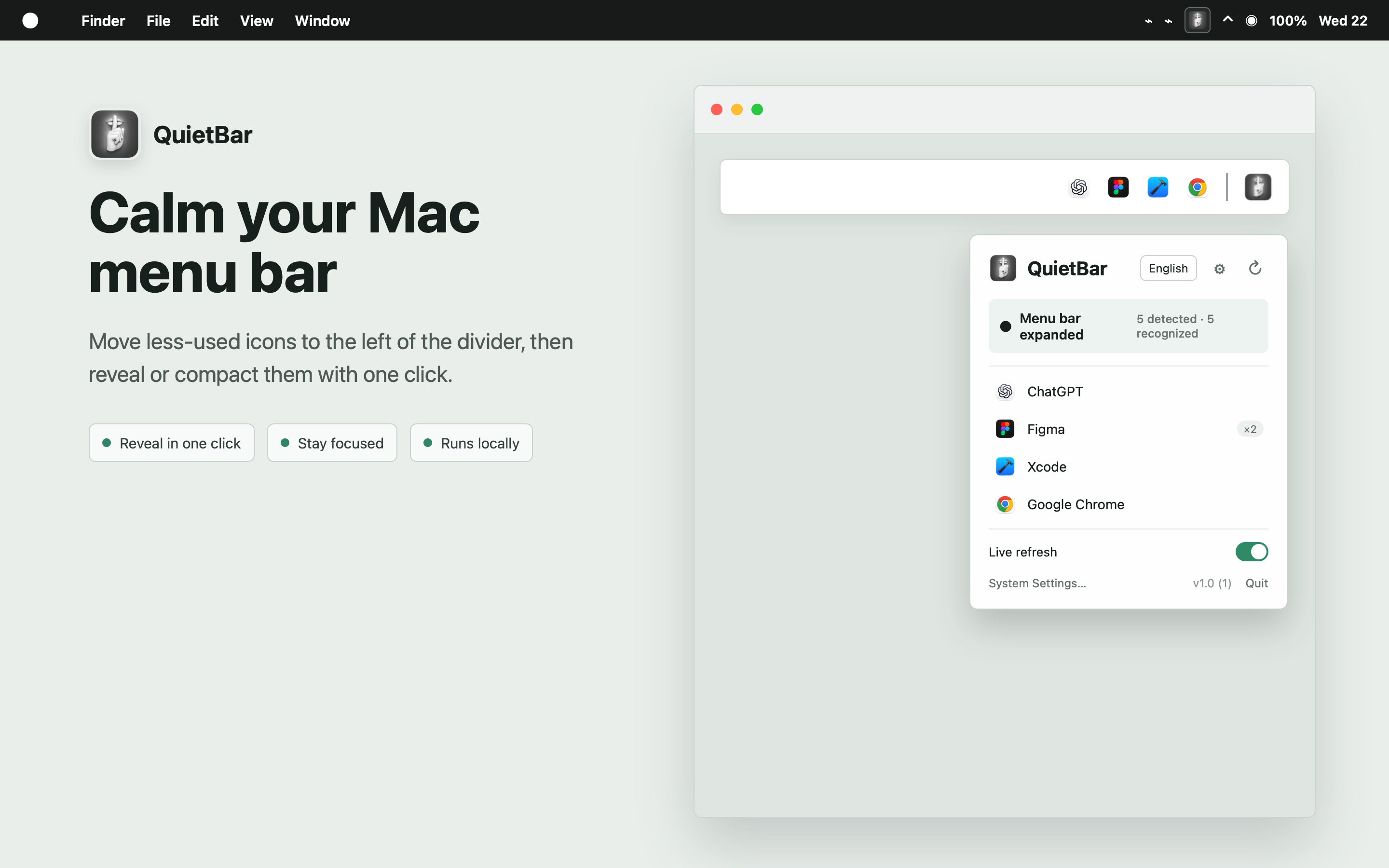
QuietBar places extra menu bar items behind a movable divider and reveals them when needed.悄悄吧用一条可移动分隔线收起多余的菜单栏项目,并在需要时重新展开。
Context背景
System items and third-party utilities share a narrow, changing area. QuietBar was created to reduce the number of items shown at once while leaving control with the user and the original apps.系统项目与第三方工具共用一条狭窄且不断变化的区域。悄悄吧用于减少同时显示的项目,同时保留用户与原应用的控制权。
Notches and running utilities change the available space.刘海与运行中的工具会改变可用空间。
Small monochrome symbols are difficult to identify.细小的单色符号不容易识别。
The utility must avoid changing other apps’ preferences.工具需要避免修改其他应用的偏好。
Third-party visibility preferences are not modified.不修改第三方应用的可见性偏好。
Reveal, compact, quit, and restore are directly available.展开、收起、退出与恢复均可直接操作。
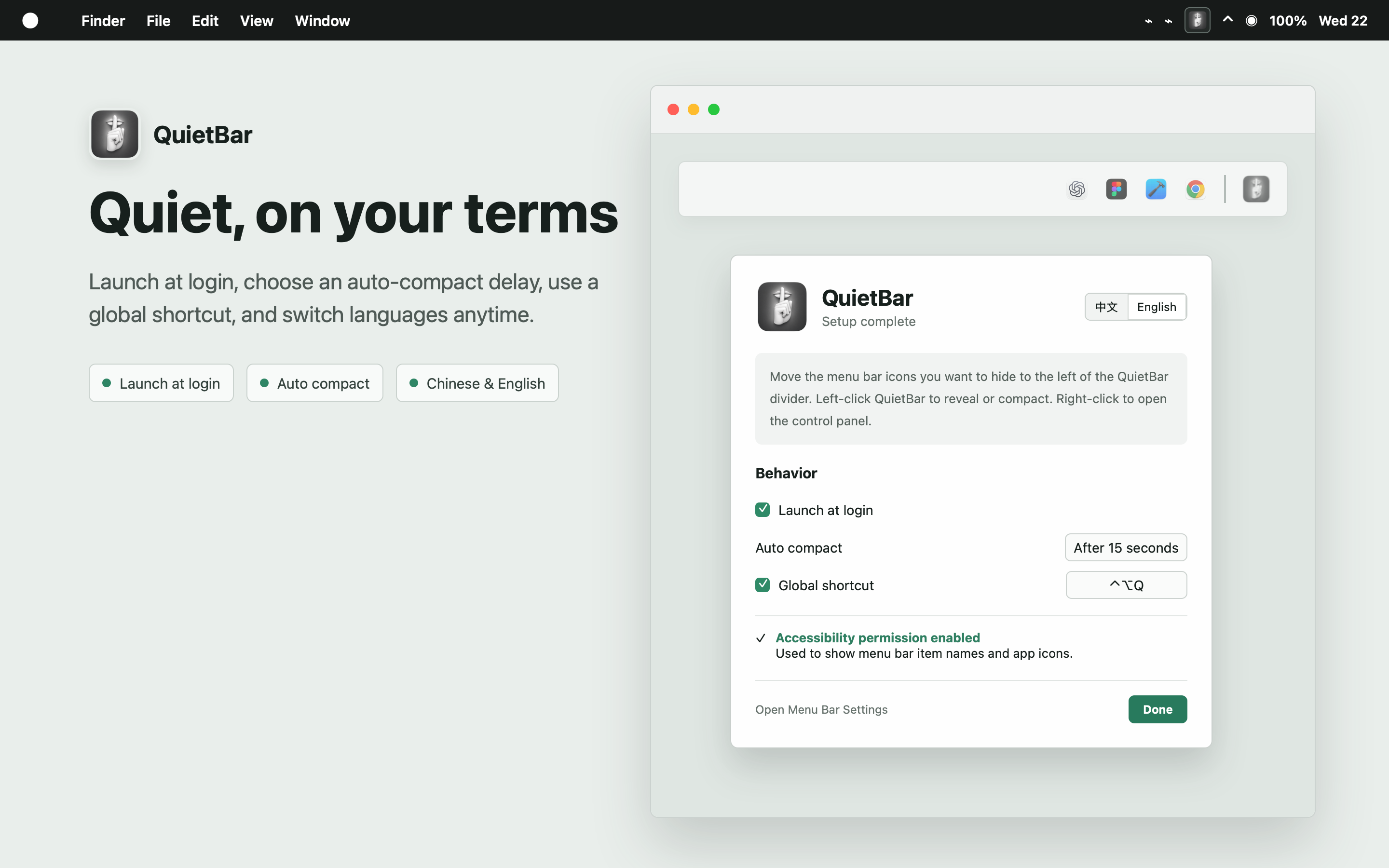
Permission adds app names and icons but is not required for core behavior.权限用于补充应用名称与图标,不影响核心行为。
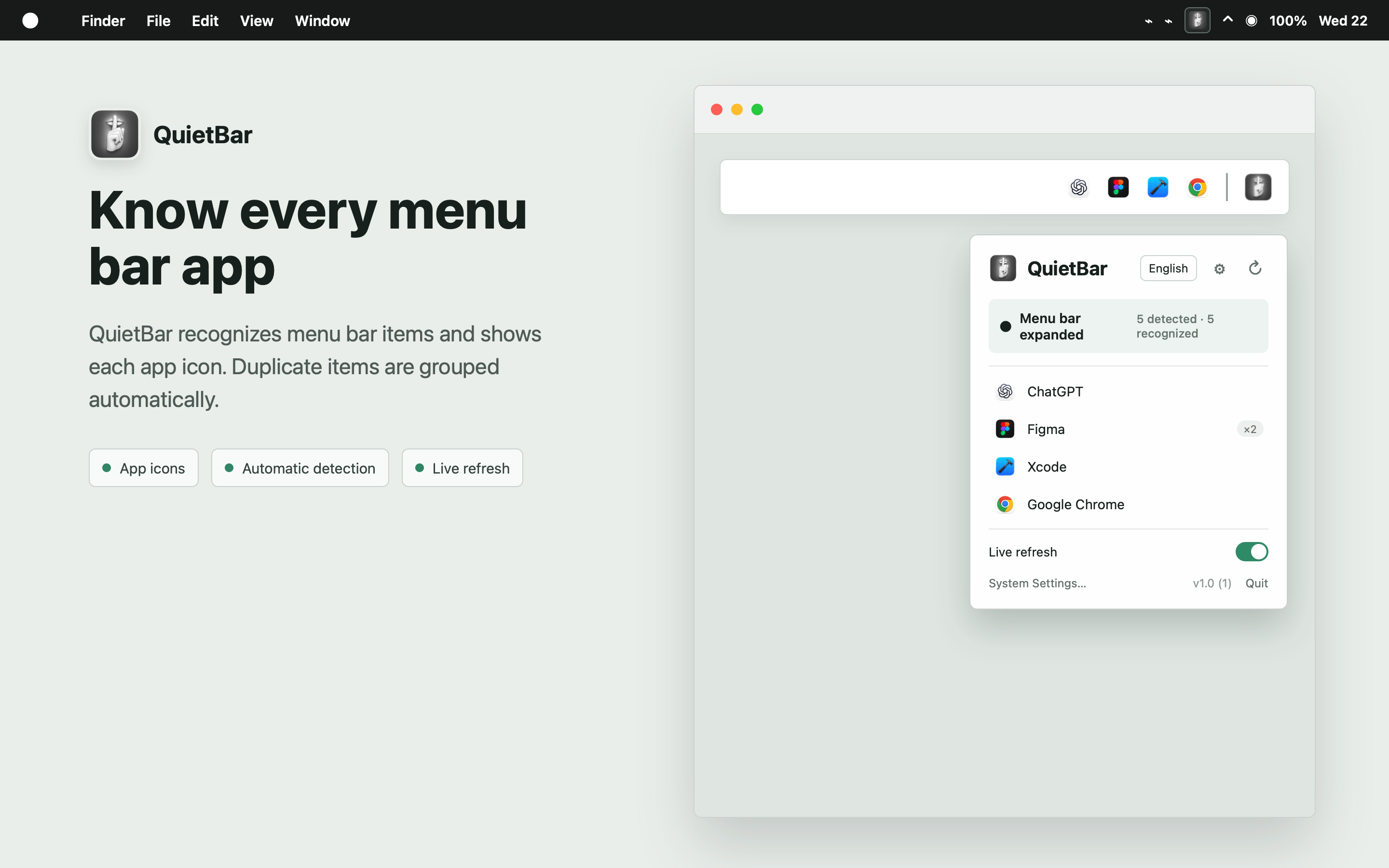
The utility uses three existing macOS interaction levels: left click, right-click menu, and Settings.工具使用三个现有 macOS 交互层级:左键点击、右键菜单与设置。
Changes the divider length directly from the menu bar.直接从菜单栏改变分隔线长度。
Shows available names, icons, status, and refresh.显示可用的名称、图标、状态与刷新。
Includes launch, timing, language, refresh, and shortcut options.包含启动、延时、语言、刷新与快捷键选项。
Keeps recovery predictable and reduces system risk.保持恢复可预测并降低系统风险。
Some app metadata may be unavailable without permission.未授权时部分应用信息可能不可用。
All settings and behavior remain local.所有设置与行为均保留在本机。
The project includes a native implementation, bilingual copy, automated tests, signing, notarization, documentation, direct distribution, and an App Store submission.项目包含原生开发、双语文案、自动化测试、签名、公证、文档、直装发布与 App Store 提交。
The notarized direct release is public. The separate sandboxed App Store build remains under review.公证直装版已经公开;独立的沙盒 App Store 版本仍在审核中。

QuietBar is a small independent product rather than a complex interface project. The work covered system observation, a focused interaction model, native implementation, testing, and release preparation.悄悄吧是一个小型独立产品,而不是复杂界面项目。工作范围包括系统观察、聚焦的交互模型、原生开发、测试与发布准备。